Skip to content

Every document, made from your data.

Keep the Word templates your team already approves. dokus fills them from your system and returns finished PDF and Word files that look exactly as they would in Word.

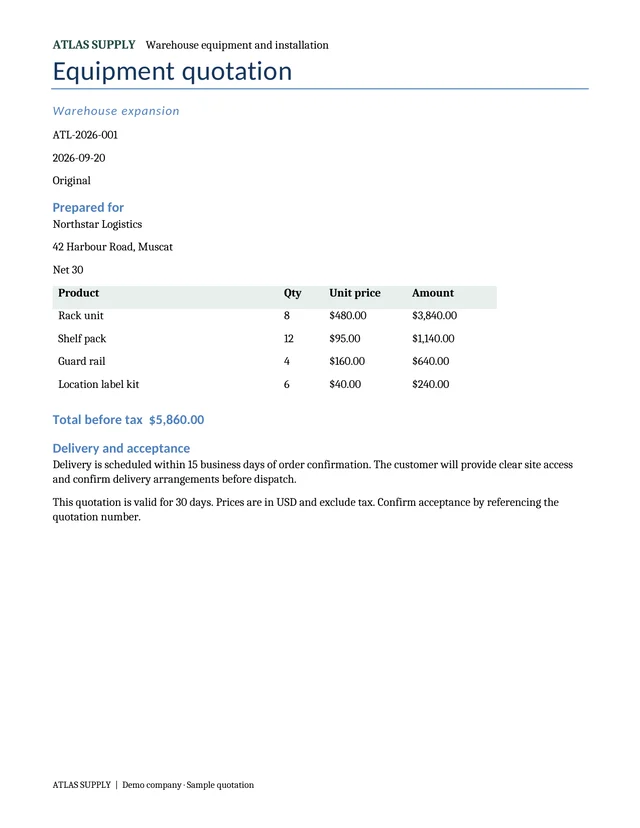
A quotation made by dokus
A real quotation made by dokus in the demo sales app.

What Documents does.

Four things every organization that sends documents needs, in one product.

Your Word file stays as it is.

Upload the template your team already uses. Mark the words that change on the page itself; nobody types codes into the file.

  • Blanks filled from dataThe customer, the date, the amount, the student: each one a named blank on the real text.
  • One line per itemA table row repeats for every product, pallet or fee in your data.
  • Paragraphs only when they applyAn installation clause, a discount or a dangerous-goods note appears only in the documents that need it.
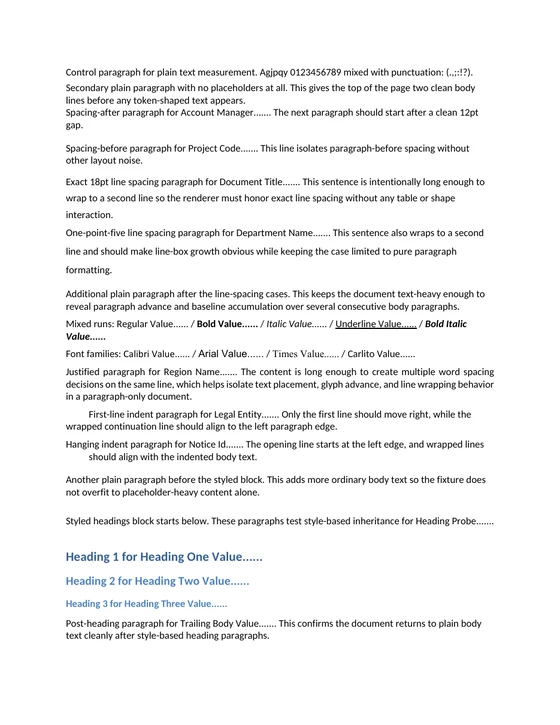
Example transport order with its marks: blanks, repeated lines and an optional paragraph.

Exactly as Word lays it out.

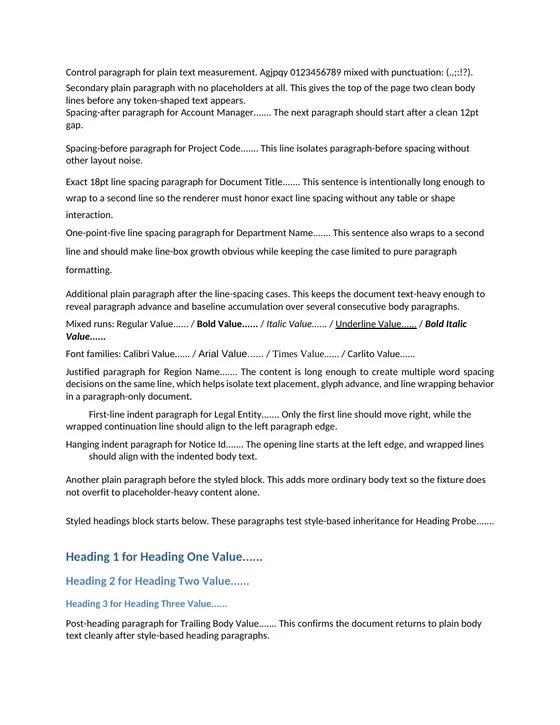
dokus lays out every page itself and checks the result, page by page, against the PDF Word saves for the same file.

  • Fonts, spacing and page breaksHeadings, tables and lines land where Word puts them.
  • PDF and Word filesEvery document comes out as a PDF to send and a Word file to keep.
  • The same data, the same fileMake a document again from the same data and you get an identical file.

Microsoft Word

A page saved by Microsoft Word

dokus

The same page made by dokus
The same page saved by Microsoft Word, and made by dokus.

Shown inside your app.

Pages appear in your own screens, drawn by the same engine that makes the PDF, so what people see is what they will print.

  • Part of your screensA component inside your own pages, not a window pasted into them.
  • Click the parts of the pagePeople can select text, blanks, table rows and cells.
  • Editing is nextThe editor for your own app is in development and next to open.
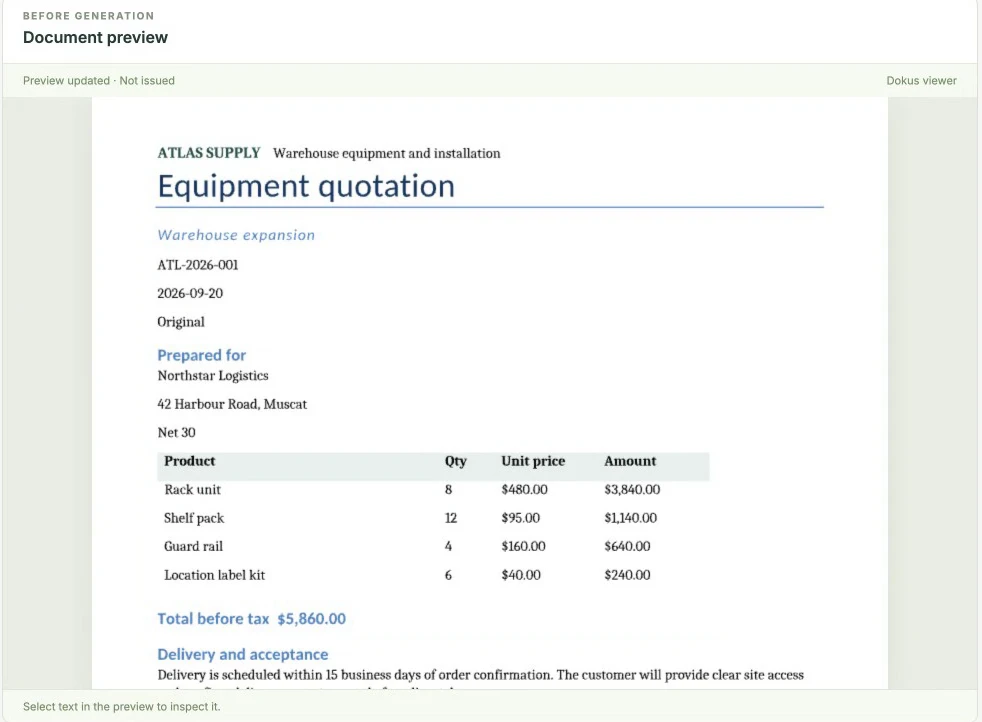
A quotation shown inside a sales app
The demo sales app showing a quotation made by dokus.

Proof of every document.

Every document carries a record of how it was made, so you can show exactly what a customer received and from which data.

  • Approved versions never changeAn edit becomes a new version; the old one stays with its documents.
  • Standard or zero retentionKeep copies for the period you set, or switch on zero retention for a workspace and keep none.
  • Delivery you controlDownload links that stop working after a set time, and a signed message to your system when a document is ready.
Made on
20 September 2026
Template
Equipment quotation, version 4
Data
Customer, products and prices sent for this quote
PDF fingerprint
cef529e26b49…
File unchanged
Yes, the fingerprint matches
The proof recorded for the demo quotation.

Works with the rest of the suite.

Documents is where dokus starts. The next tools use the same templates, the same data and the same proof.

  • EditorSoon

    Change documents on screen, inside your app

  • StudioEarly access

    Mark templates and make documents without a developer

  • Mailboxes on your own domain for your team

  • SignaturesPlanned

    Several people sign the exact same file, in order

  • When one thing happens, the next step follows

  • Keep copies as long as you choose, or keep none

For your developers.

One call from your server makes a document; the result comes back with its proof. A typed SDK for TypeScript, or the same HTTP API from any language.

server.tsTypeScript
const run = await dokus.documents.render(
  { documentId, blueprintId, data: order },
  { idempotencyKey: order.id },
);
// run.outputs: the PDF and the Word file, with their fingerprints

Bring one document you already send.

Thirty minutes on your own Word file. You see it made by dokus from your data.